
ZOSI C291 Solar Setup: From Box to First Clips
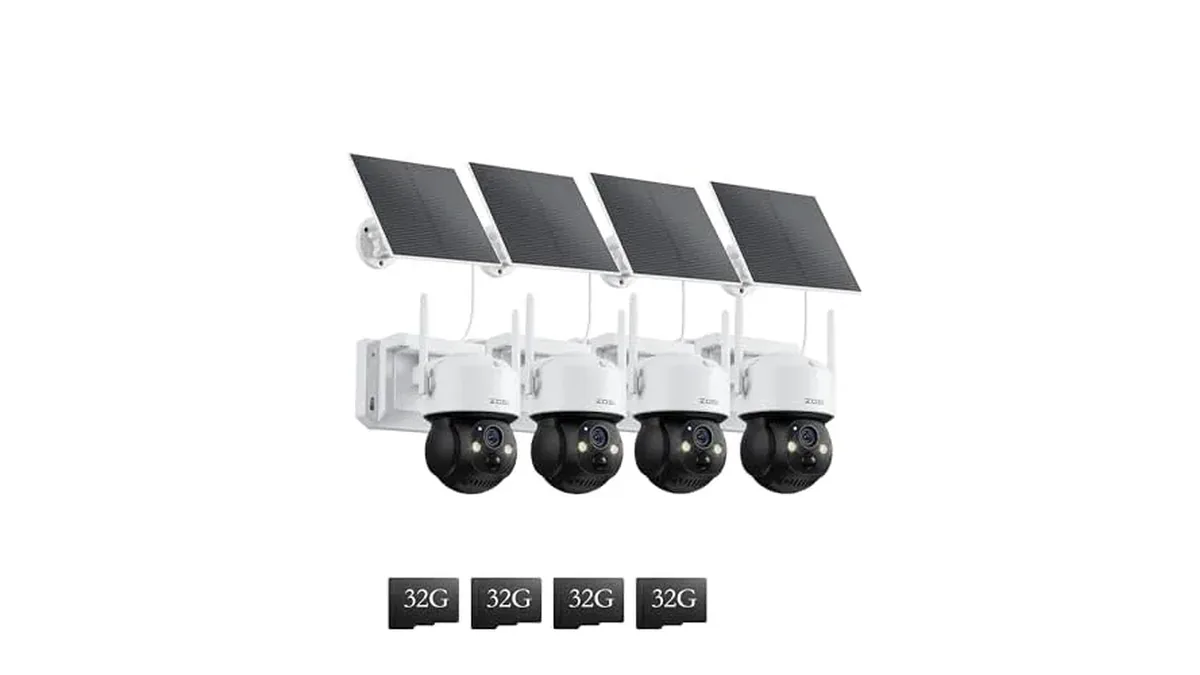
The C291 4×4MP Solar Wireless PT kit is four wire-free pan-tilt cameras. Each one runs on a 10050mAh battery topped up by its solar panel and joins your network over 2.4GHz WiFi only. There is no PoE cable to pull, which is why placement and sun matter more than a drill template. Follow this order before you tighten any screws.
Check these before you mount
Swipe sideways to see the whole table →
| Check | Why it matters |
|---|---|
| 2.4GHz WiFi at the mount | C291 cameras do not join 5GHz. Walk the spot with a phone on 2.4GHz and confirm a usable signal. |
| Direct sun on the panel | The panel keeps the 10050mAh battery charged. Heavy shade means more manual top-ups. |
| Clear view, few false triggers | PIR plus AI human detection still wake on busy sidewalks or waving branches if the camera points straight at them. |
| Height and aim | Each camera pans 355° and tilts 90°. Mount high enough to look over fences, with room for the panel to face the sky. |
ZOSI quotes up to 3 months of standby on one charge at about 20 activations a day. Real runtime depends on how often the camera wakes and how much sun the panel gets.
Pair one camera at a time
- Insert the included 32GB memory card (or your own card if you swap it) with the camera powered off.
- Charge each camera indoors first if the battery arrived low. A full pack makes the first outdoor day less stressful.
- Install the ZOSI Smart app, create or sign in to an account, and choose add camera.
- Power the C291 on and follow the app prompts. Use the camera's hotspot or QR path the app shows for this model; finish WiFi entry on a 2.4GHz network with a password the camera can accept (avoid uncommon symbols if pairing fails).
- Name the camera by location (gate, barn, side yard) before you add the next one so the four units stay easy to tell apart.
- Repeat for the other three cameras. Do not mount a camera until it shows live view in the app.
Mount the camera and aim the panel
- Hold the bracket at the planned height and mark holes only after live view confirms the angle you want.
- Fix the bracket, hang the camera, then point the solar panel toward the open sky. Leaves and roof overhangs cut charge fast.
- In the app, set pan/tilt presets for the driveway, gate or door you care about. Turn on auto-tracking if you want the camera to follow a person across its view.
- Enable the spotlight and siren only where a light-and-noise response is acceptable for neighbors and pets.
Housings are IP66 rated for outdoor weather. Still keep connectors seated and the panel face clean; dust and pollen reduce charge.
Recording, night and power settings
C291 cameras record on motion to save battery. Clip length is 10, 20 or 30 seconds in the app. Start at 20 seconds, then shorten it if the battery drains faster than you expect.
Night options are black-and-white IR or full-color with the spotlight, with reach up to about 50 ft (15 m) per ZOSI. Use color when you need clothing detail near the camera; use IR when you want fewer light complaints.
Local storage starts on the 32GB card in the box. ZOSI also offers a 30-day cloud trial that needs a paid plan afterward. For placement math across a whole house, see how to plan security camera placement. These solar units are not PoE add-ons for an NVR kit; wired expanders belong on the how to add a camera to a ZOSI NVR guide instead.
More outdoor specialty cameras sit under Dome & Specialty Cameras.