
ZOSI NVR Not Recording? Work Through These Checks in Order
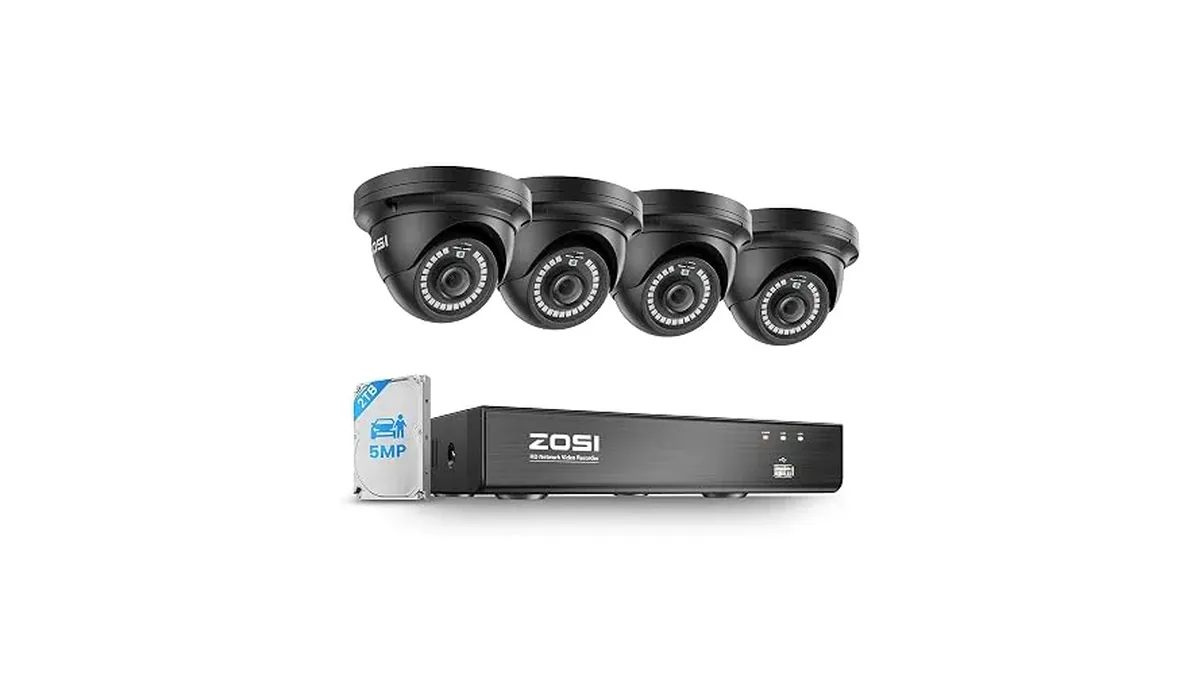
Live view works, but playback is empty, or the recordings simply stop on a certain date. ZOSI's help center has an article for exactly this, and it applies to all ZOSI NVRs. It boils the problem down to four causes. Below they're arranged from quickest to most drastic, so you don't format a drive before checking a setting.
Menu names can shift a little between recorder firmware versions, but the paths below match ZOSI's articles.
Step 1: Is recording actually switched on?
Start with the settings, because this check costs nothing.
- Right-click the live view and open the Main Menu.
- Go to Setup > Record and make sure recording is enabled for each camera channel you expect footage from.
- On the live view screen, look at the record button. ZOSI explains that Start Record means 24/7 continuous recording, the default. If Stop Record is selected, the system only records when an alarm triggers.
- If you're on alarm-triggered recording, open Setup > Schedule and confirm that the schedule covers the hours you care about.
- Then open Setup > Alarm and check that motion, human and vehicle detection are turned on for those channels. With alarm recording, nothing triggers a clip if detection is off.
Step 2: Can the NVR see the drive?
Open Setup > Disk Management. ZOSI says the drive should appear with the correct capacity and a Read & Write state.
While you're there, don't switch the internal drive to Read Only. ZOSI warns that this can stop the NVR recording. The only reason to change it is when you're putting the recorder into storage.
If the drive is missing, or shows the wrong capacity:
- Look at the HDD status light on the NVR's front panel. If it's off, the drive may not be connected properly.
- Power the NVR off completely. Only then open the cover and unplug and re-plug the drive's SATA and power cables. ZOSI is clear that the drive should only be reseated with the power off.
- Restart and check Disk Management again.
Step 3: Is the drive full?
Footage that stops on a certain date often means the drive filled up and stopped taking new files. The fix is Recycle Record, which overwrites the oldest footage once the drive is full.
Turn it on under Main Menu > Setup > Record > Recycle Record. ZOSI notes that with it off, you have to manage files yourself, and an unmanaged recorder can fill up and stop recording.
Step 4: Is it the drive itself?
If the NVR sees the drive and the settings are right but nothing records, ZOSI's next step is formatting. In Disk Management, tick the drive and choose Format. This deletes every video and image on it, and the NVR asks you to confirm. If recording still fails after a format, ZOSI suggests replacing the drive.
When the drive shows 0GB, or won't format at all, contact ZOSI support rather than trying again.
Fitting a new drive yourself? ZOSI recommends a surveillance-rated internal drive, such as Seagate SkyHawk or WD Purple, over a desktop drive. Its NVRs don't record to an external drive. A new drive also has to be formatted once in Disk Management before it records.
Quick reference
Swipe sideways to see the whole table →
| Symptom | Most likely cause | Where to look |
|---|---|---|
| Live view works, no playback at all | Recording off or wrong mode | Setup > Record; Setup > Schedule |
| Only motion clips missing | Detection off | Setup > Alarm |
| Footage stops on a fixed date | Drive full, Recycle Record off | Setup > Record > Recycle Record |
| Drive missing or wrong size | Loose cable or drive not recognized | Front-panel HDD light; Disk Management |
| Drive shows 0GB or won't format | Drive problem | ZOSI support |
If you're replacing the whole recorder
The 8CH 4K NVR with 4×5MP PoE Domes arrives with a 2TB surveillance drive already inside and supports drives up to 8TB. It offers manual, scheduled and motion recording modes, plus event playback filtered by person, vehicle or motion. For adding cameras to it later, see how to add a camera to a ZOSI NVR.
If you're still deciding how many channels you need, read NVR vs DVR and how many channels, or browse the ZOSI NVR Security Kits.